Navigation
Printing maps from the web
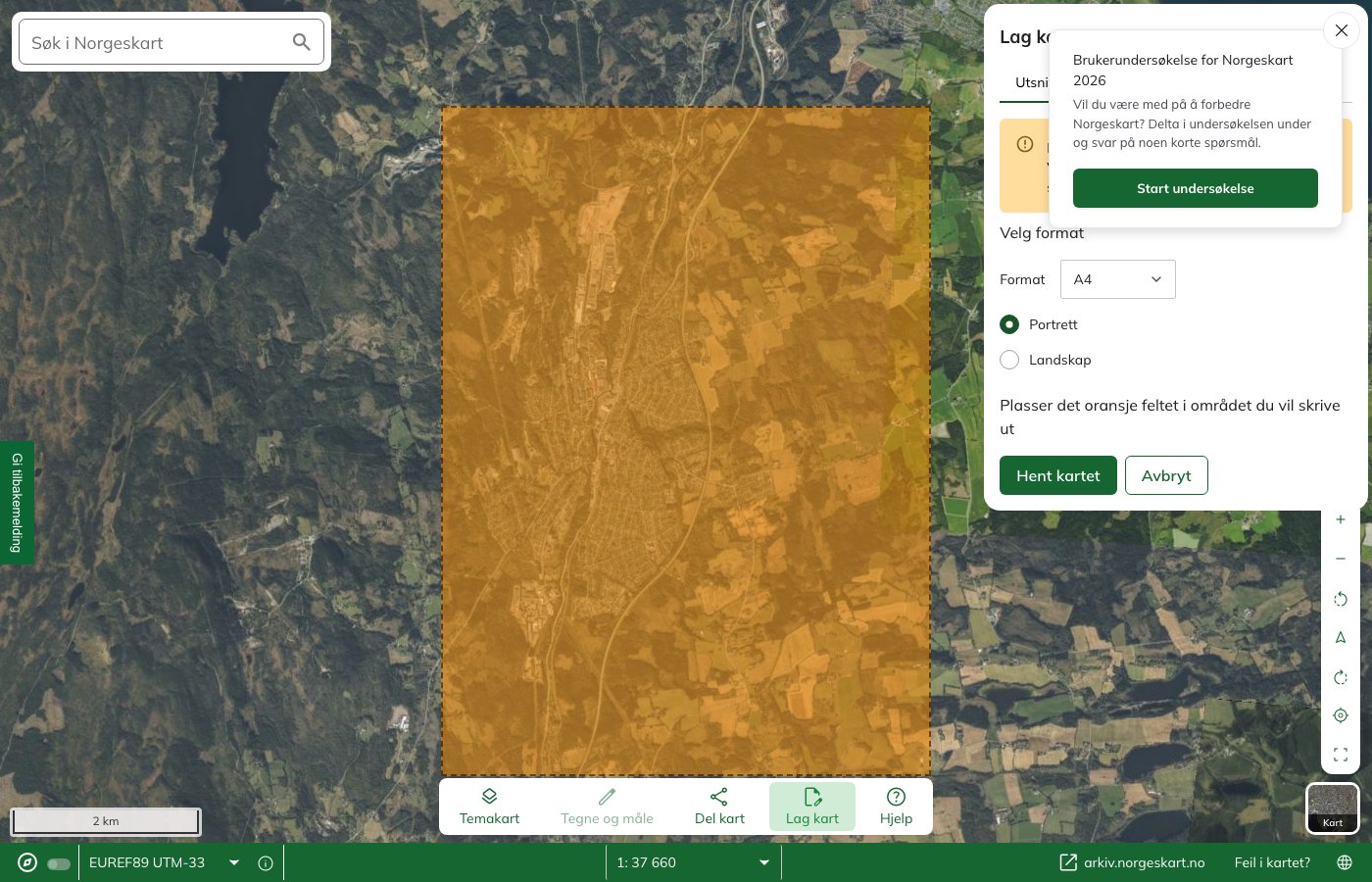
How to print your own hiking map from norgeskart.no or kartmannen.no — with a UTM grid, your own route and an optional scale.
You can print maps online from norgeskart.no and kartmannen.no. Both use data from the Norwegian Mapping Authority (Statens kartverk).
Norgeskart
The Norwegian Mapping Authority (Statens kartverk) runs the site Norgeskart.no. Here you can:
- Draw your own routes on the map, and have the routes shown on the printout
- Save and share the routes with others
- Create an elevation profile for the route you are going to walk
- Choose the map scale yourself
To get UTM zones on the map, go to the menu and click «Fastmerker» → «UTM-rutenett». This brings up both the UTM zones and the UTM grid, and this is also shown on the printout.
Kartmannen
On Kartmannen’s pages you can print maps with:
- UTM zone
- Optional scale
- Additional information such as paths, steepness, avalanche runout zones and weakened ice
- Nautical charts
The drawback of this site is that you cannot get a map section where there is overlap between two UTM zones.
Kartmannen uses data from the Norwegian Mapping Authority (Statens kartverk).
Learn more about navigation
Compass course · Contour interval and scale · Map reference · Magnetic variation · GPS · Cross-bearing · Navigation at sea
Text: Gina Wigestrand, Snuitide (2022), revised 2026.
Sources: Statens kartverk (2021, 15. mars). Skriv ut ditt eget turkart [Videoklipp]. https://vimeo.com/523679584 · Statens kartverk (2022, 7. februar). Turkart.